1
Primary content
Video recording
Picture, speech, music and environmental sound may share one file.
Prepared voice reference
Speech is the focus; the picture is no longer needed.
Video to voice
To voice clone from video, you use the speech in a recording as reference audio for a synthetic voice. The video supplies the source; the result is generated speech, not a copy of the footage or its original soundtrack.
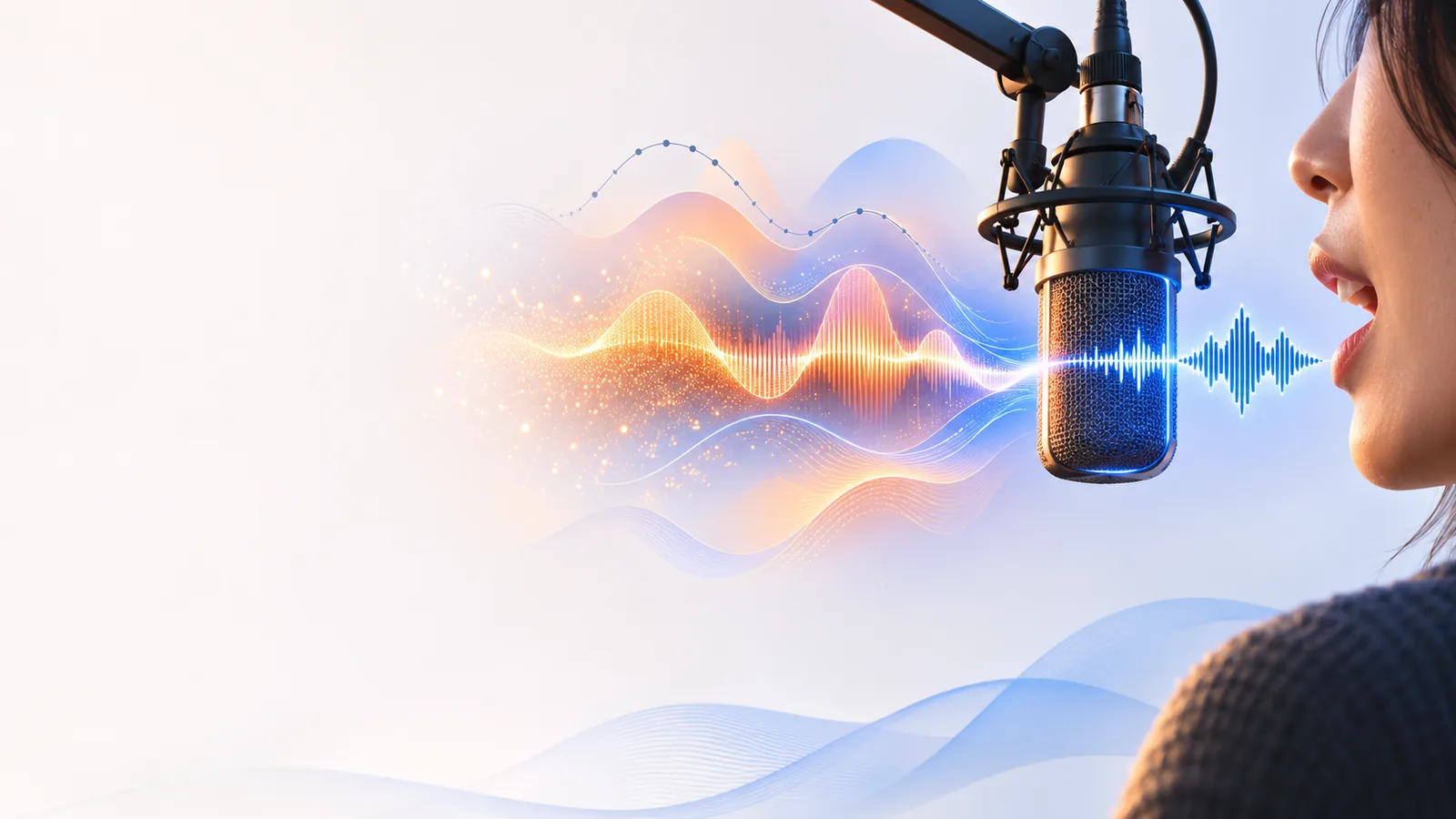
A video file contains pictures and sound, but the voice reference comes from its sound. Extracting the audio is only the first step: the spoken portion still needs to be suitable for cloning.
Video recording
Picture, speech, music and environmental sound may share one file.
Prepared voice reference
Speech is the focus; the picture is no longer needed.
Video recording
May contain an interviewer, guests or overlapping voices.
Prepared voice reference
Favors clearly isolated speech from the consenting speaker.
Video recording
Music and room noise may compete with the words.
Prepared voice reference
Favors minimal noise and no competing soundtrack.
Video recording
Cuts, transitions and short replies may interrupt phrases.
Prepared voice reference
Favors a continuous passage with intelligible words.
Video recording
Distance from the microphone and clipping can vary by scene.
Prepared voice reference
Favors a steady level and clear recording.
Video recording
Appearing in a video does not grant cloning rights.
Prepared voice reference
Requires authorization to use that person's voice.
Video recording
Preserves what was originally filmed and said.
Prepared voice reference
Serves as a reference for generating new spoken words.
A practical workflow separates three things: the footage you own, the speech you prepare from it, and the new script you want spoken. These images illustrate possible projects; they are not audio samples.
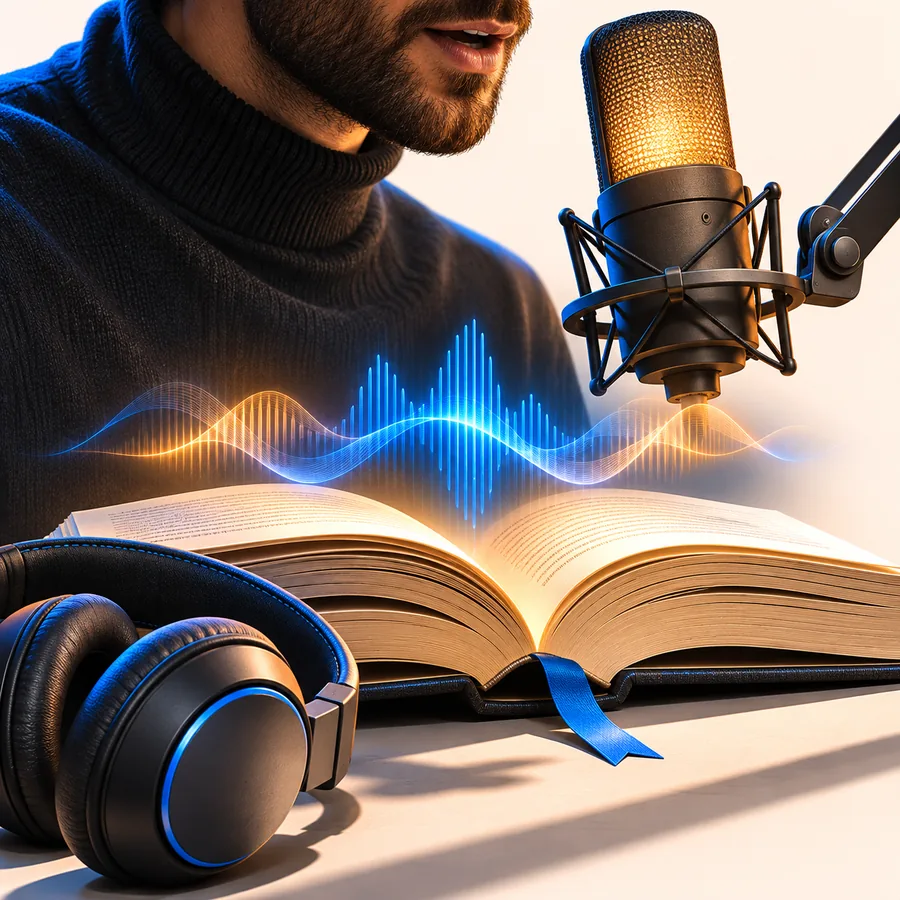 Narration
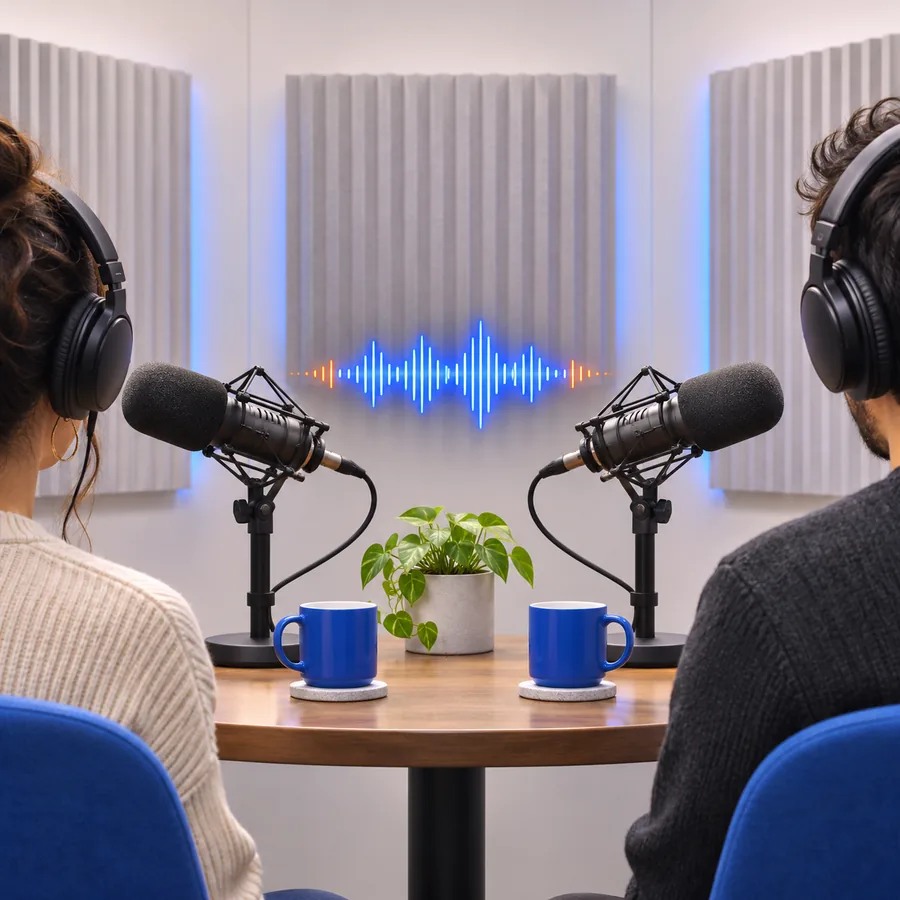 Travel
 Presentation
The right approach depends on what you need after preparing the reference audio. These related guides address delivery, examples and consent rather than assuming every video clip is ready to use.
You have permission to use a presenter’s filmed introduction, but the new script needs a more expressive read.
Plan the new delivery separately from the source recording.
voice cloning with emotionYou want to see what kinds of projects suit a cloned voice before preparing footage.
Compare illustrative use cases without treating images as proof of audio quality.
ai voice cloning examples freeA client supplied a video, but it is unclear whether the speaker authorized synthetic reuse.
Resolve permission before extracting or submitting a voice sample.
Is it legal to clone a voice?Start with footage you are authorized to use. Listen for one clear speaker, trim away interruptions and competing sound, and keep the source audio separate from the script you want generated. Aivoiceclone can point you toward a voice-generation tool, but video upload, extraction and supported file formats depend on the destination tool; check its available controls before you begin.
The speech in a video can serve as source material, but a tool may require you to extract the audio first. Check the destination tool’s supported inputs rather than assuming it accepts video uploads.
Choose footage with one clearly audible speaker, little background music and no overlapping conversation. A clean recording gives you a more useful reference than a noisy montage or a few isolated words.
Ownership of a video does not necessarily include permission to create a synthetic version of a person’s voice. Get the speaker’s explicit authorization and check any rights or rules that apply to your intended use.
The original words remain in the source recording. Voice cloning uses the speaker’s recorded characteristics as a reference to generate new speech from a separate script; it does not automatically edit the original video.
Removing the picture makes the audio easier to handle, but it does not remove music, noise or other speakers. Listen to the extracted speech and prepare a cleaner passage if those sounds interfere.