Prepare a permitted sample
Choose a recording of yourself or a consenting speaker. Aim for clear speech from one person, with little background sound and no copyrighted music.
Voice cloning guide
A voice clone begins with a recording you have permission to use. If you are comparing free access, check what you can create, preview, save, and use before investing time in a recording.
The word free describes an access offer, not a consistent set of cloning rights or capabilities. Verify the current terms on the tool you choose.
A tool may restrict generated audio, previews, saved voices, or continued use. A short successful test does not establish what you can produce later.
WorkaroundCheck published limits and test a representative script before planning a longer project.
An available recording is not proof that its speaker agreed to cloning. Public clips, interviews, and messages can still raise consent and usage concerns.
WorkaroundUse your own voice or obtain clear permission from the speaker for the intended use.
Music, overlapping speakers, echo, and heavy processing can make a sample less useful. A clone may reproduce unwanted traits or mispronounce unfamiliar words.
WorkaroundRecord one speaker in a quiet space and evaluate the result with several different sentences.
Being able to preview audio does not establish permission to publish it, use it for clients, or retain a voice indefinitely.
WorkaroundRead the provider's current usage and retention terms before publishing or uploading sensitive material.
Treat the first attempt as a quality check, not a finished production. This workflow works whether you are assessing a limited trial or another access model.
Choose a recording of yourself or a consenting speaker. Aim for clear speech from one person, with little background sound and no copyrighted music.
Try a greeting, a question, a name, and a sentence with a natural pause. This reveals pronunciation and pacing problems more quickly than repeating the sample's original words.
Listen for resemblance, clarity, and unexpected artifacts. Confirm the available export and usage terms, then disclose synthetic speech where your audience could mistake it for a live recording.
Free access is only one consideration. The input you have and the way you plan to use the result can change which workflow makes sense.
Consider what a browser-based workflow lets you test before committing to a longer project.
See why extracting a clean speaker sample from a video takes extra care.
Separate vocal resemblance from expressive delivery when judging a result.
Use this checklist to distinguish what a first preview can tell you from what must be verified before publishing. Neither column describes a guaranteed plan or feature.
First voice test
Hear whether the voice resembles the speaker
Publishing a voice project
Produce speech suitable for its intended audience
First voice test
One clear, permitted sample
Publishing a voice project
Documented speaker permission and suitable recording quality
First voice test
A few varied sentences
Publishing a voice project
The full script, including names and difficult terms
First voice test
Listen for obvious artifacts
Publishing a voice project
Review every passage for errors, tone, and consistency
First voice test
Confirm whether a preview is available
Publishing a voice project
Confirm output limits, export options, and continued access
First voice test
Establish permission to submit the sample
Publishing a voice project
Verify publication rights and any disclosure obligations
Cloning can preserve recognizable qualities while changing the words being spoken. The result still needs a human listen-through.
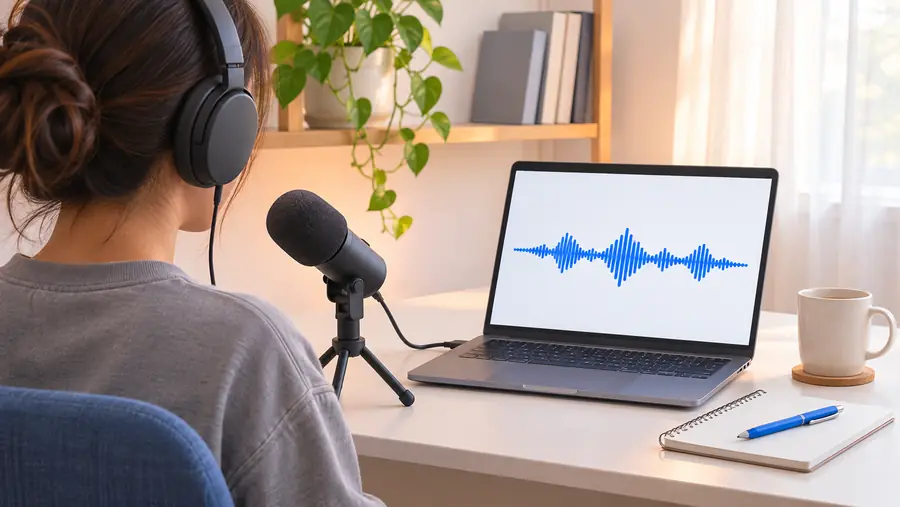
These images illustrate the workflow; they are not an audio comparison or evidence of a particular tool's output.
A useful trial answers a specific question. Match your sample and script to the setting where the voice will eventually be heard.
The available speaker recording is inside a video with background sound.
Check whether the speaker can be isolated clearly before testing new narration.
voice clone from videoA narrator needs a warm opening and a more restrained correction.
Test both lines to see whether delivery changes without losing the speaker's identity.
voice cloning with emotionThe script and recording are being prepared on a phone.
Check microphone quality, file access, and playback before relying on a mobile workflow.
how to use ai voice cloning on iphoneA collaborator offers a voice sample for a short scene.
Agree on the permitted lines and distribution before generating dialogue.
Is it legal to clone a voice?Bring a clear sample you are authorized to use and a short script that exposes pronunciation, pacing, and tone. Review the available access and usage terms on the destination before submitting a recording or planning to publish the result.
Some voice tools offer a way to test cloning without an initial charge, but access and restrictions vary and can change. Check the destination's current terms for sample requirements, output limits, exports, and permitted uses rather than assuming every function is included.
A free test does not remove the need for permission. Use your own recording or get the speaker's informed consent for both creating the clone and using any generated speech.
Start with clear speech from a single consenting speaker in a quiet environment. Avoid music, overlapping voices, and heavy effects, then test the result on words that were not in the original sample.
Do not assume a preview grants publication or commercial rights. Confirm the provider's current license, the speaker's permission, and any disclosure requirements that apply to your video before releasing it.
The new script, pronunciation, and delivery can expose differences that are easy to miss in a short preview. Listen to several varied sentences and improve the source recording if noise or overlapping speech is affecting the result.