1
Record your own sample
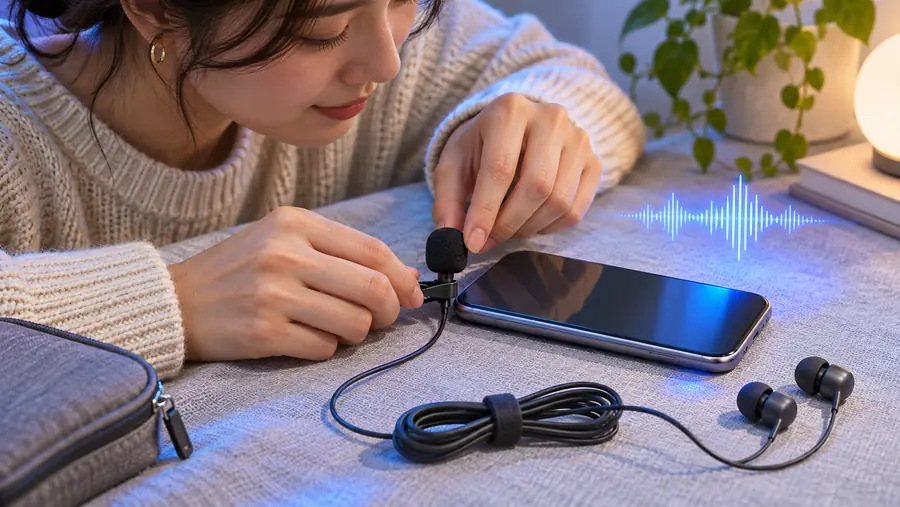
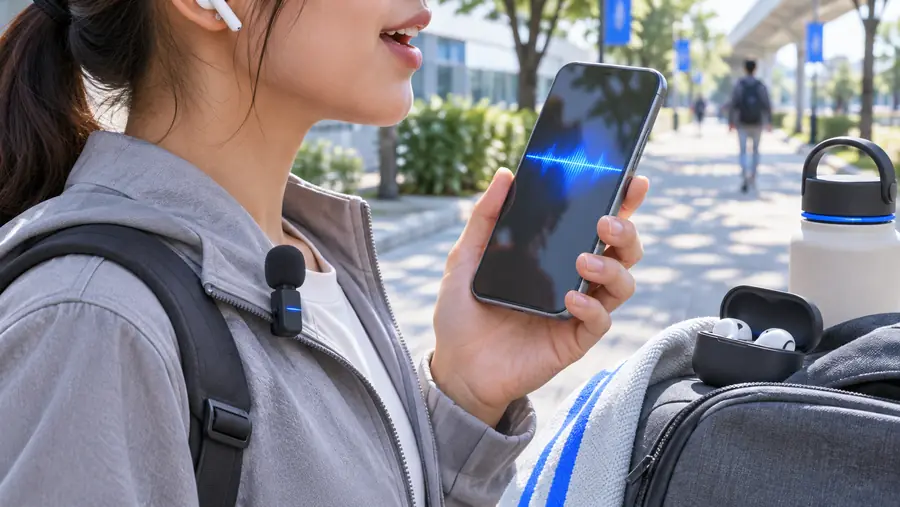
Open Voice Memos, find a quiet room and speak naturally at a steady distance from the microphone. Listen back with headphones, trim long silence if needed, and save a copy you can locate in Files. In the voice service's mobile browser page, check its accepted recording types before selecting the file. If your sample includes another person, make a new recording without them.
2
Use an existing permitted recording
If you already have a podcast excerpt or interview, confirm that the speaker agreed to this specific use. Save a clean, single-speaker segment to Files where the browser can access it. A recording pulled from video may carry music, effects or overlapping speech; an isolated voice track is a better starting point. Do not assume permission to publish the original recording also covers a synthetic voice.
3
Write, preview and revise a short script
Once a service accepts your sample, enter a brief sentence and generate a preview if that option is available. Compare the result with the speaker's real pacing, pronunciation and tone. Change the wording or punctuation before trying a longer passage; a new script is easier to evaluate than an entire chapter. Keep the original sample and generated audio clearly labelled so they cannot be mistaken for each other.